

Nexa Level X User Guide
Getting started with Nexa Level X should be simple.
This guide helps you understand the first steps how to access the app, create your account,
join the community and start exploring trader insights, learning content and market discussions with more confidence.
Community Access
Your Nexa Level X Account
Investing With Nexa Level X
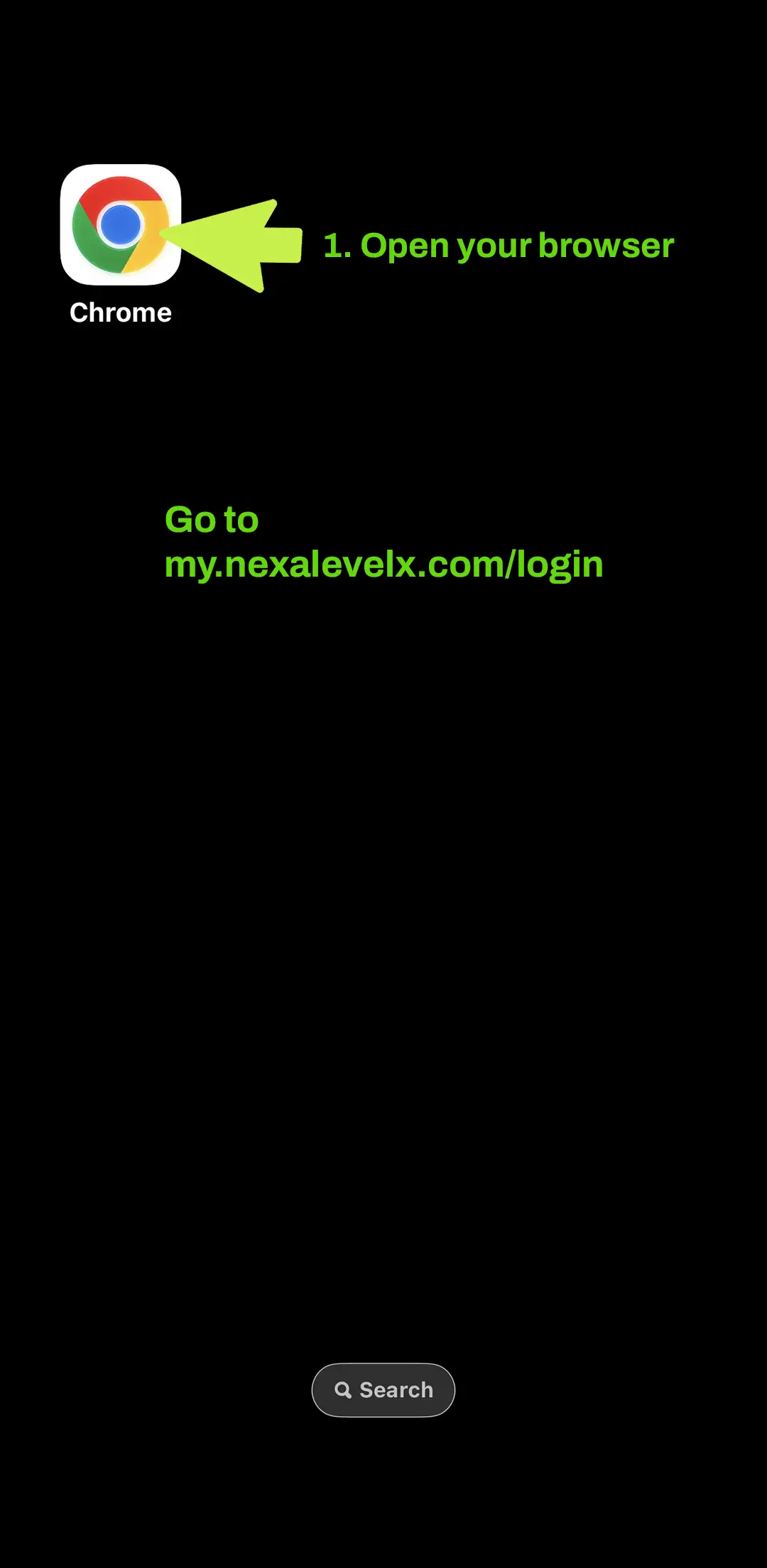
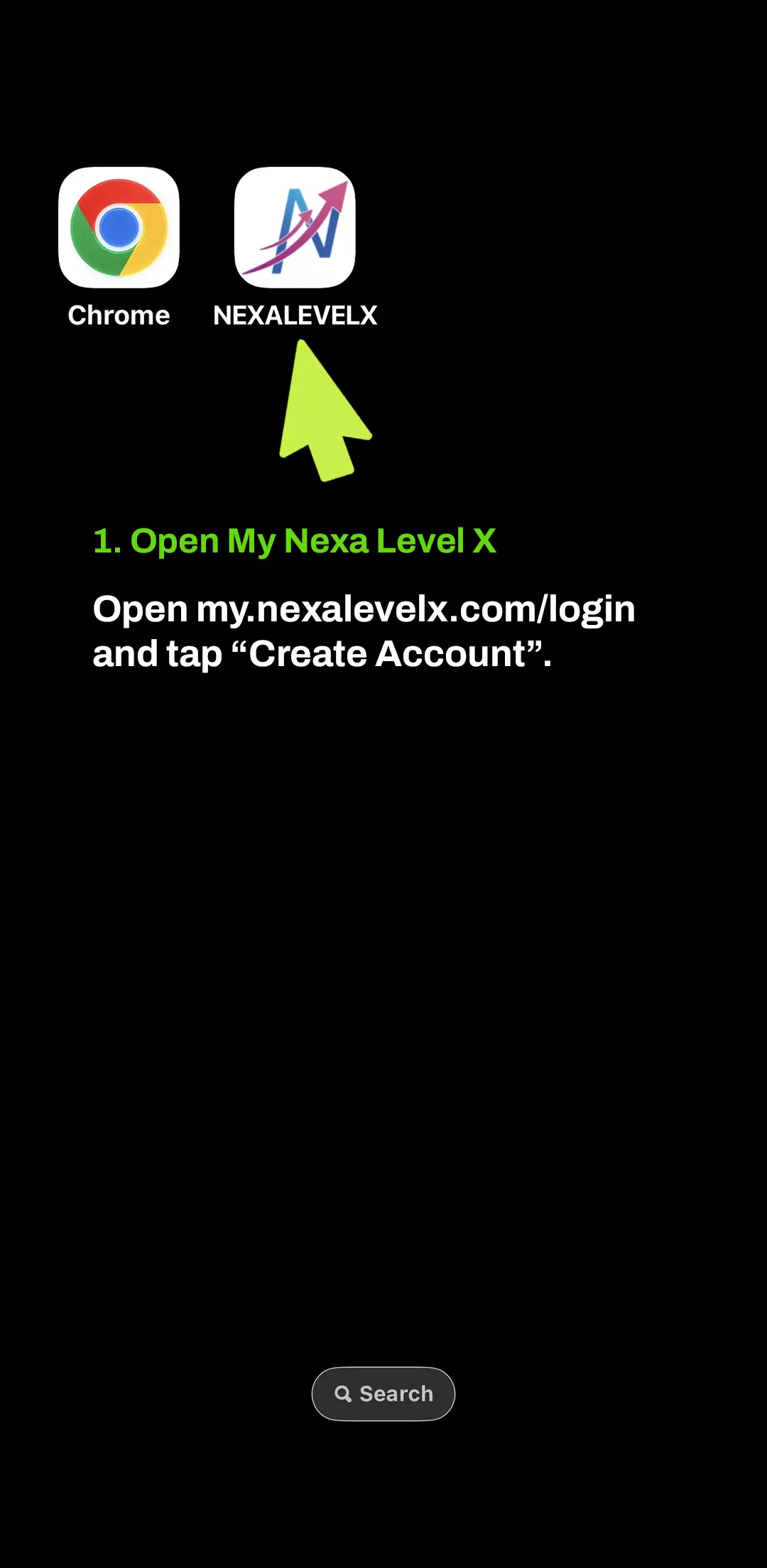
You do not need to download anything from an app store. Open My Nexa Level X in your mobile browser and save it directly to your home screen in a few simple steps.
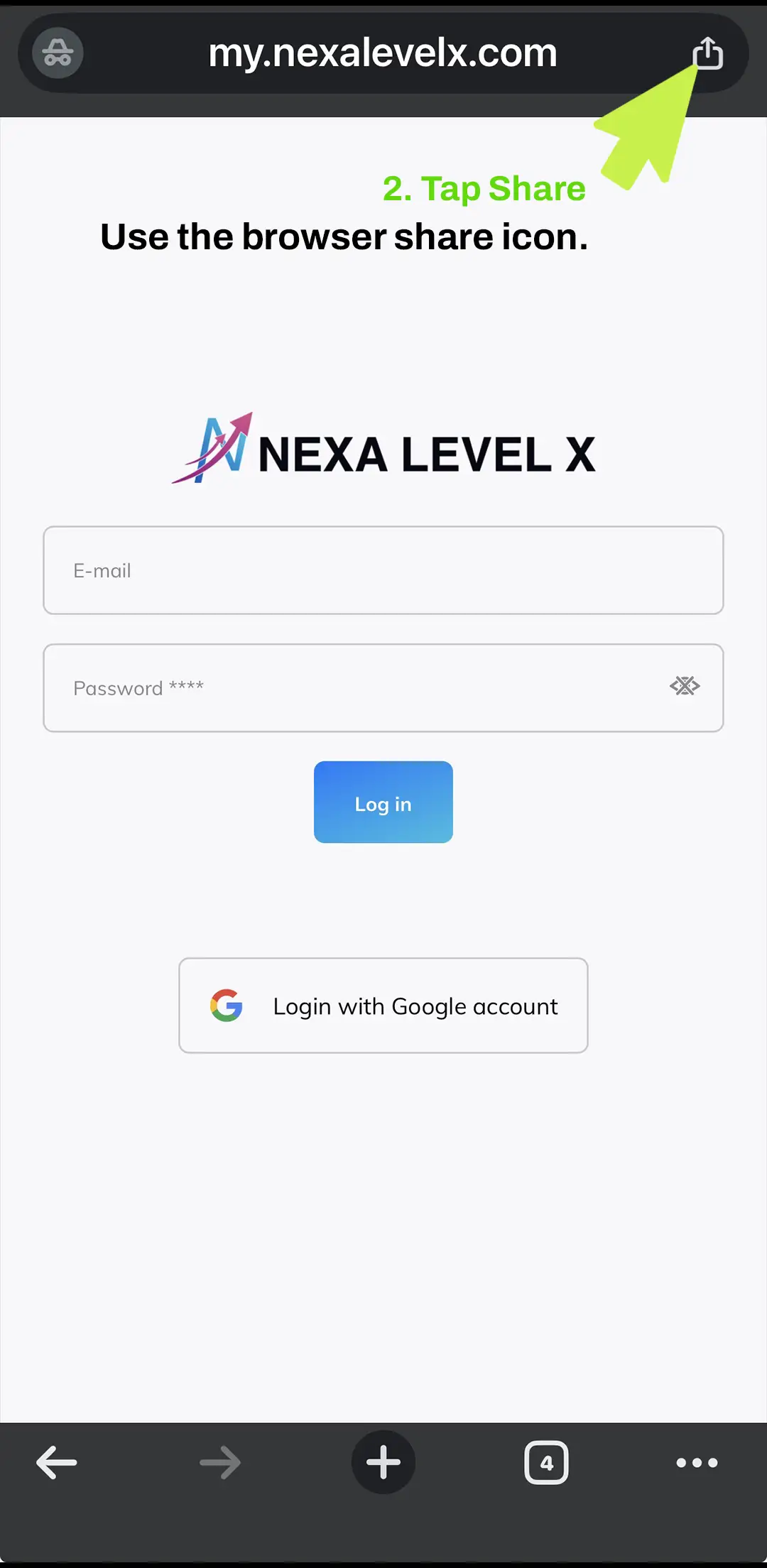
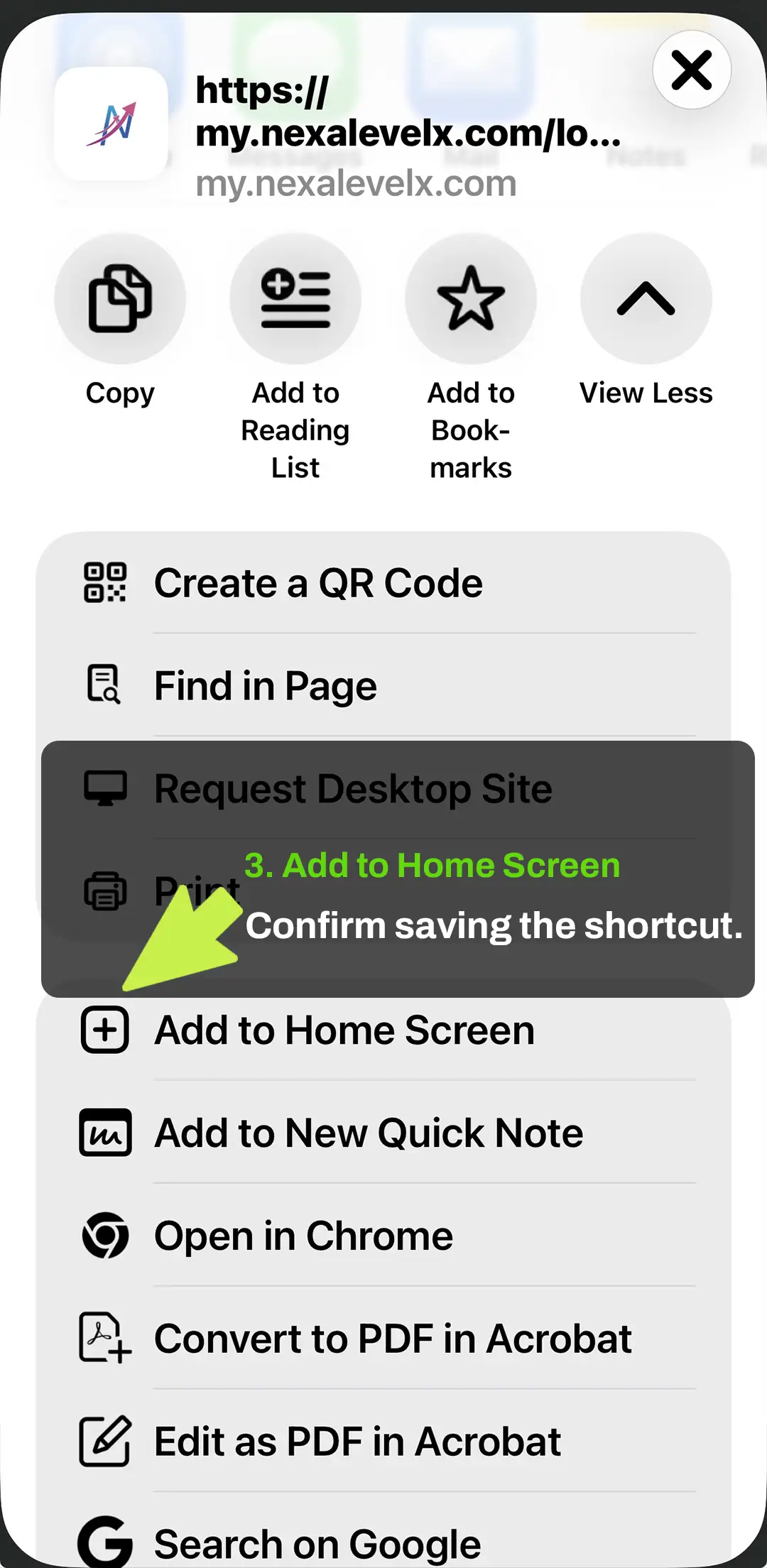
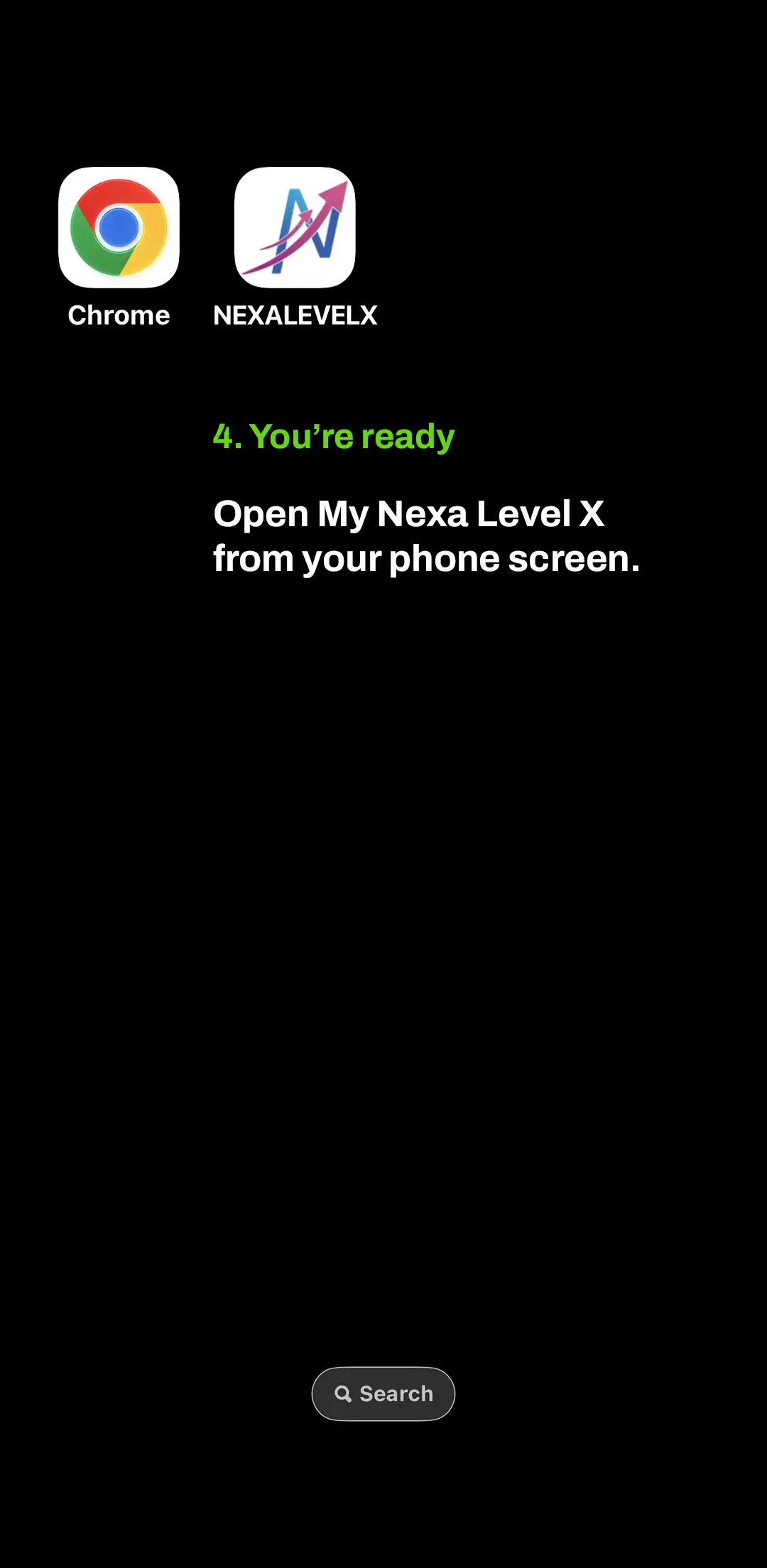
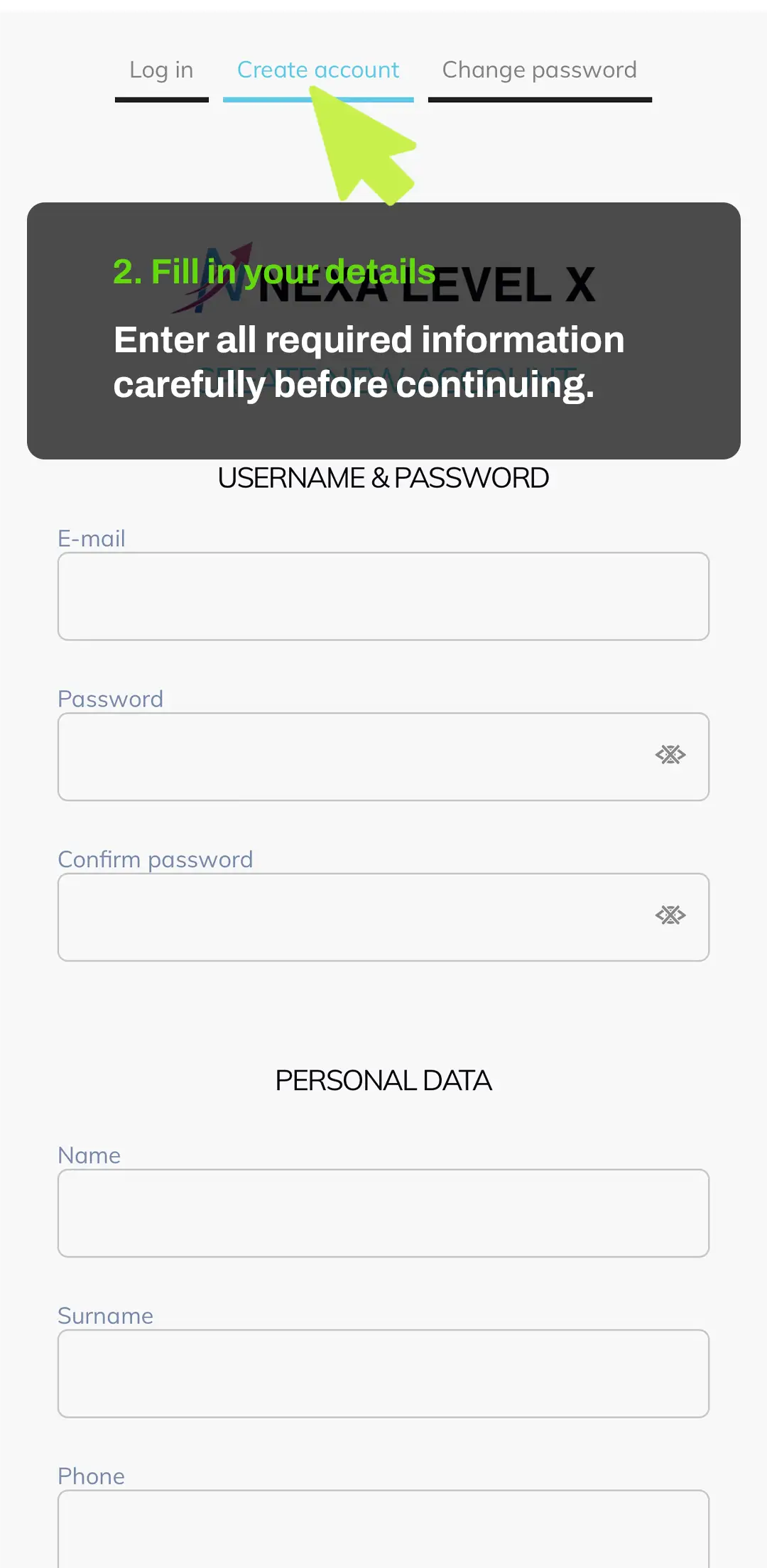
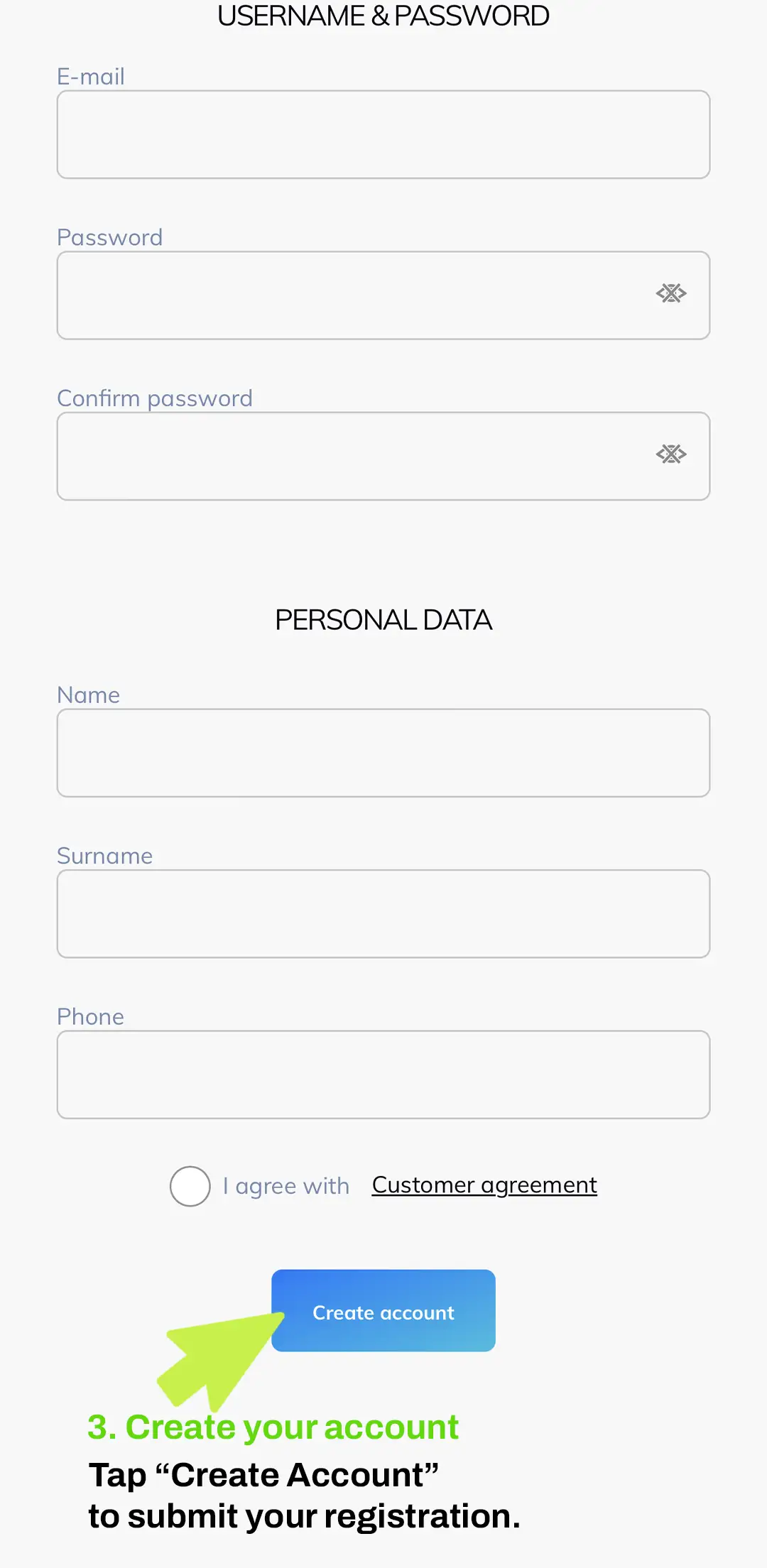
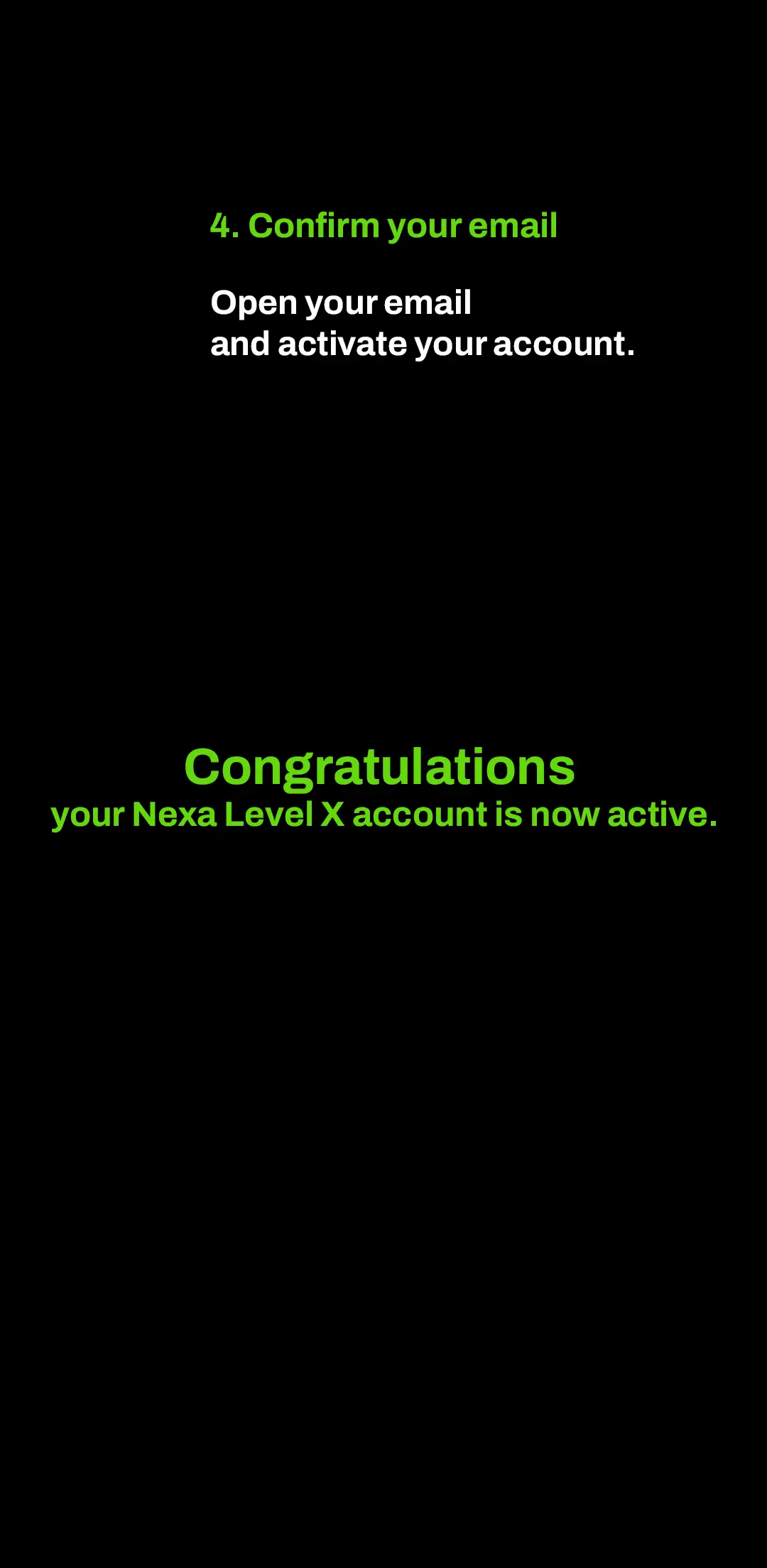
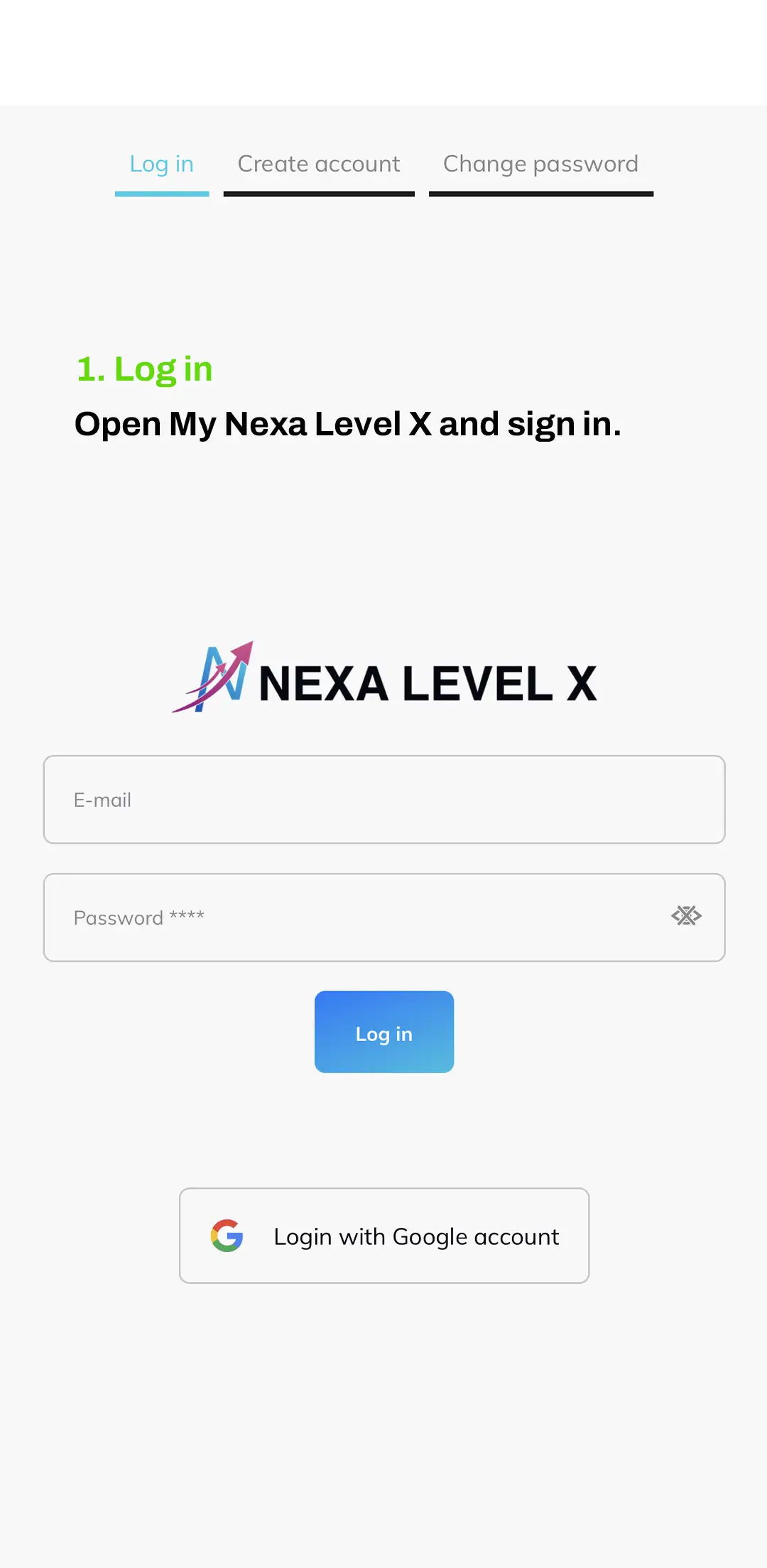
Creating your Nexa Level X account takes only a few minutes. Open My Nexa Level X, fill in your details and confirm your email to activate your access.
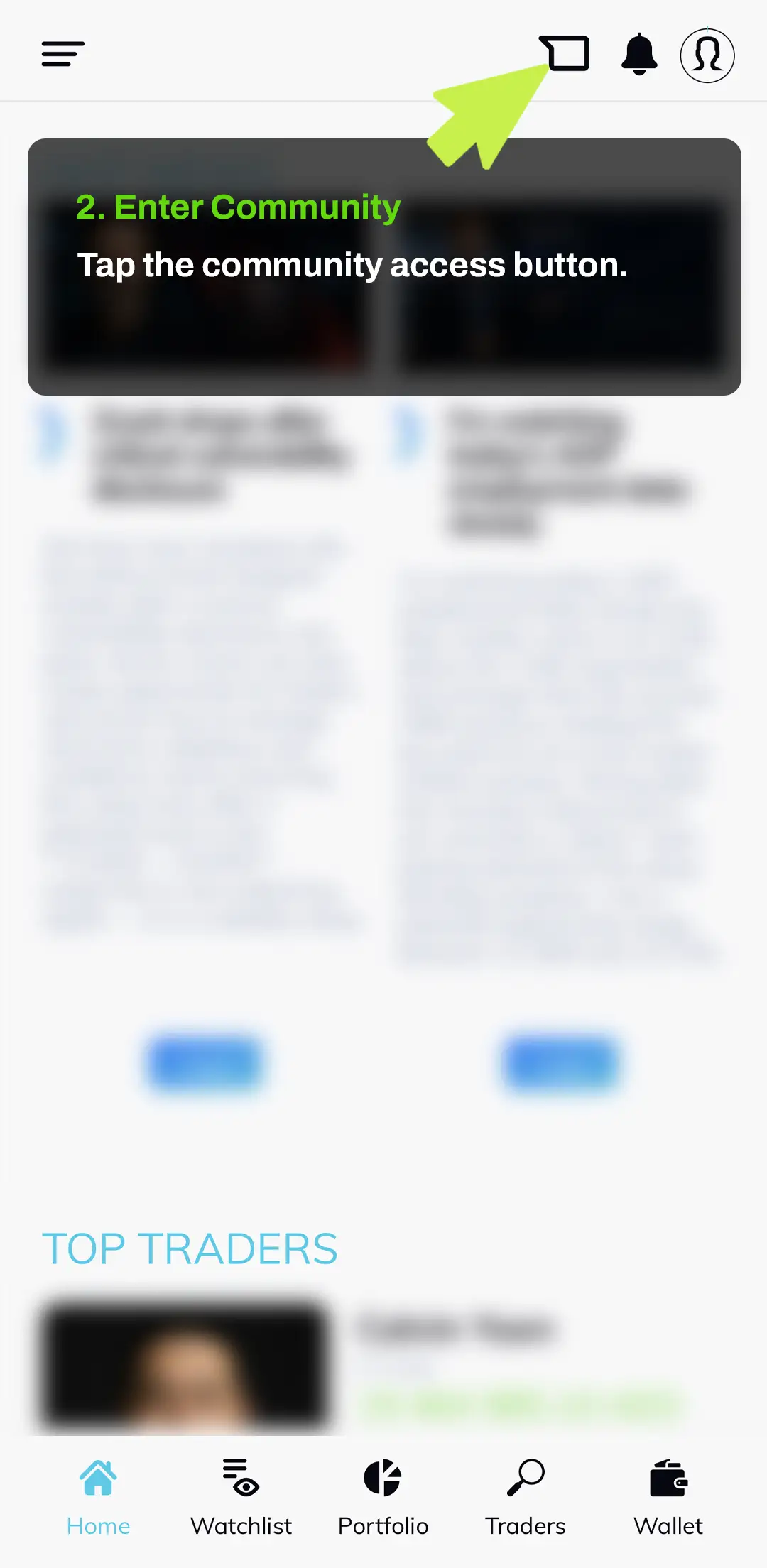
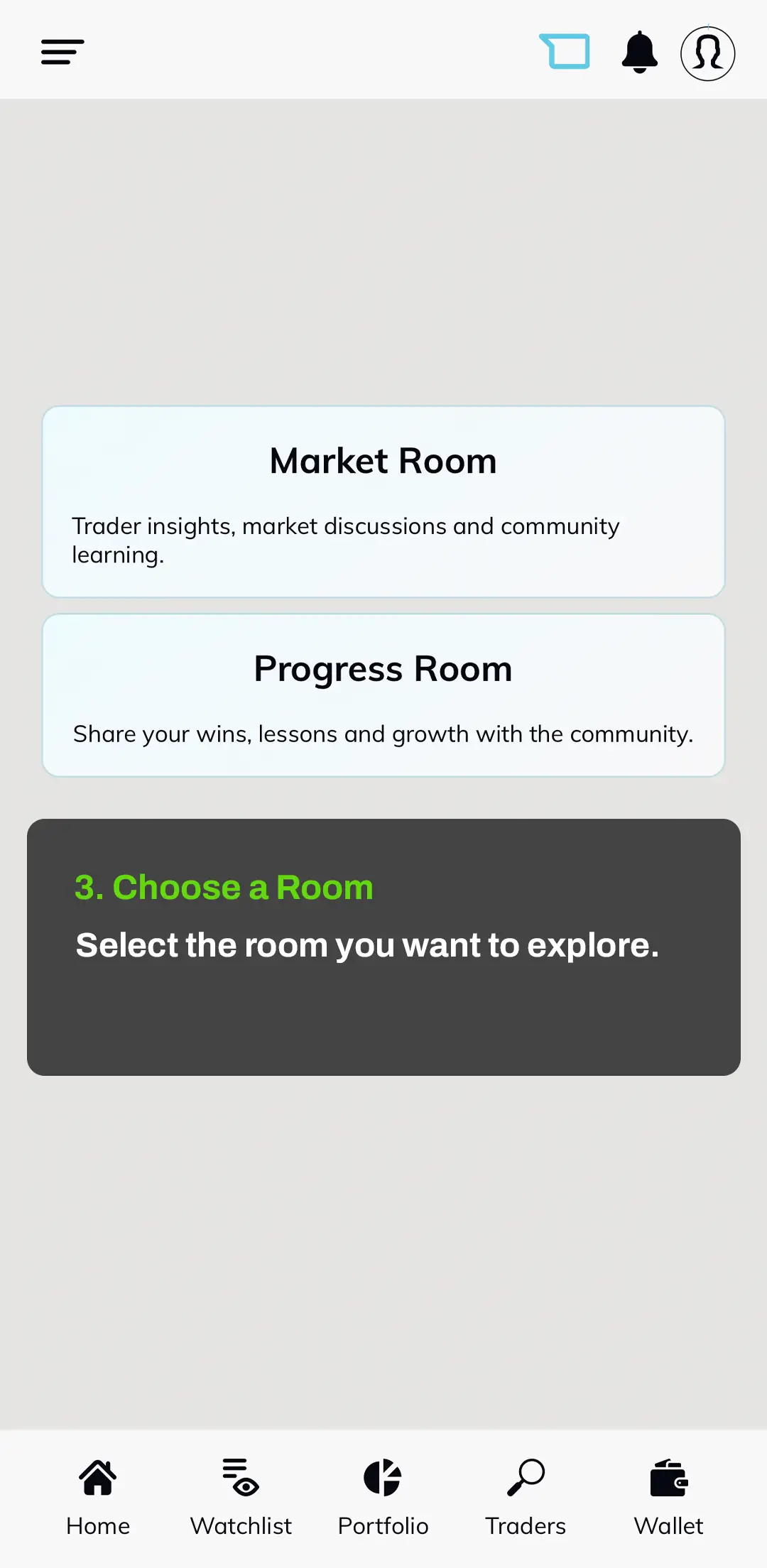
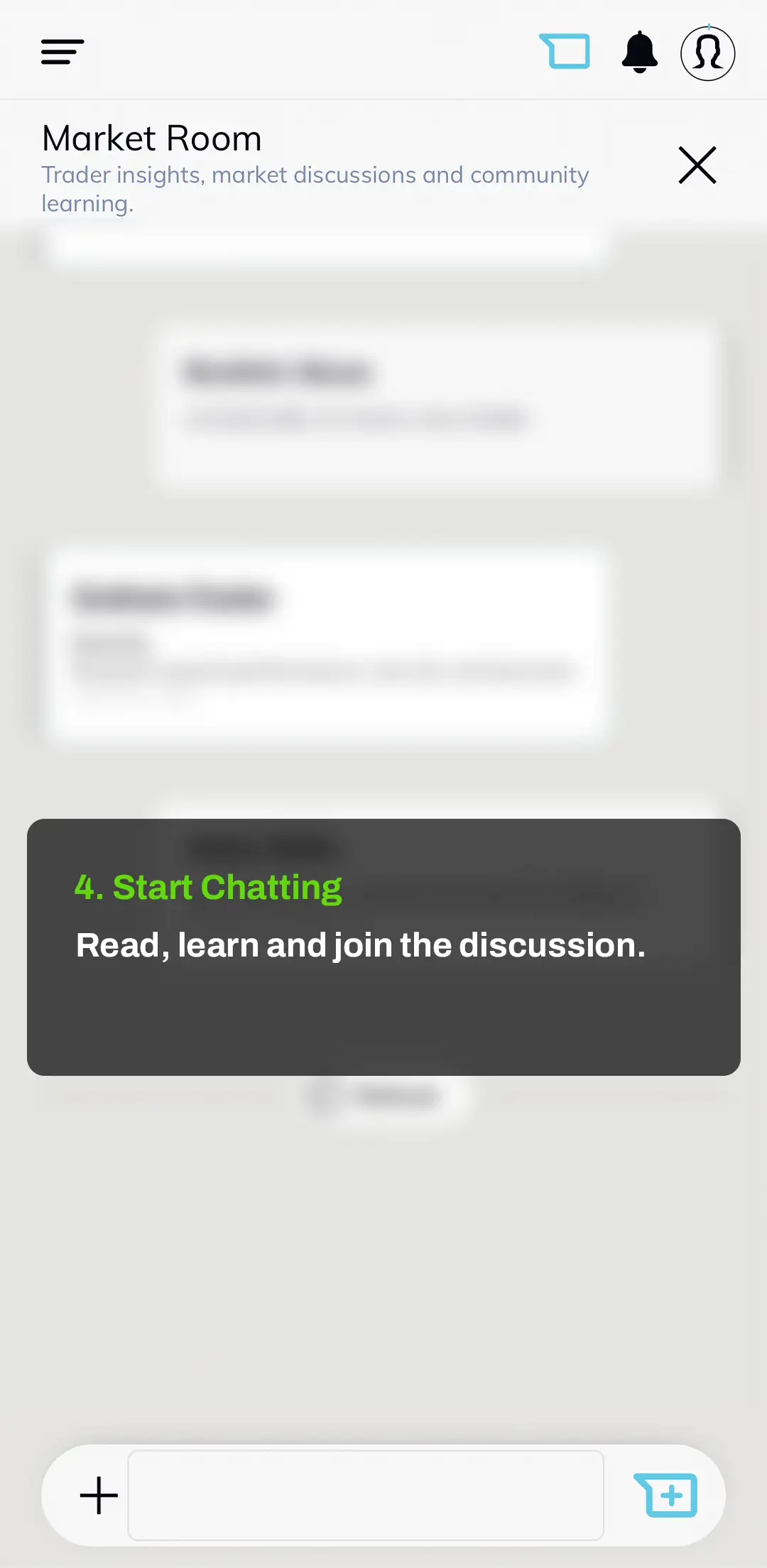
The Nexa Level X community helps you follow discussions, trader insights and member conversations in one place. Log in, enter the community area and choose the room that fits what you want to explore.
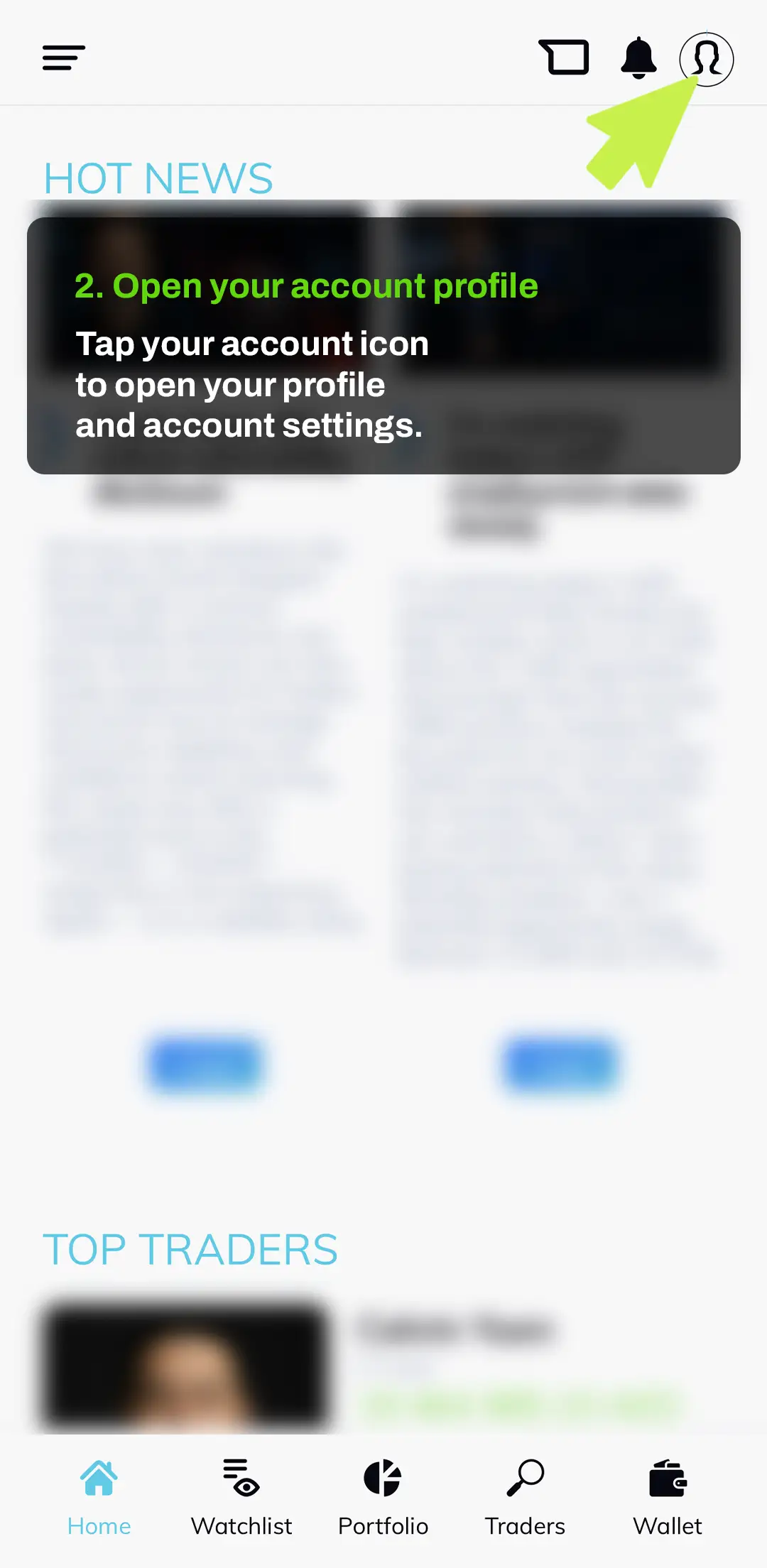
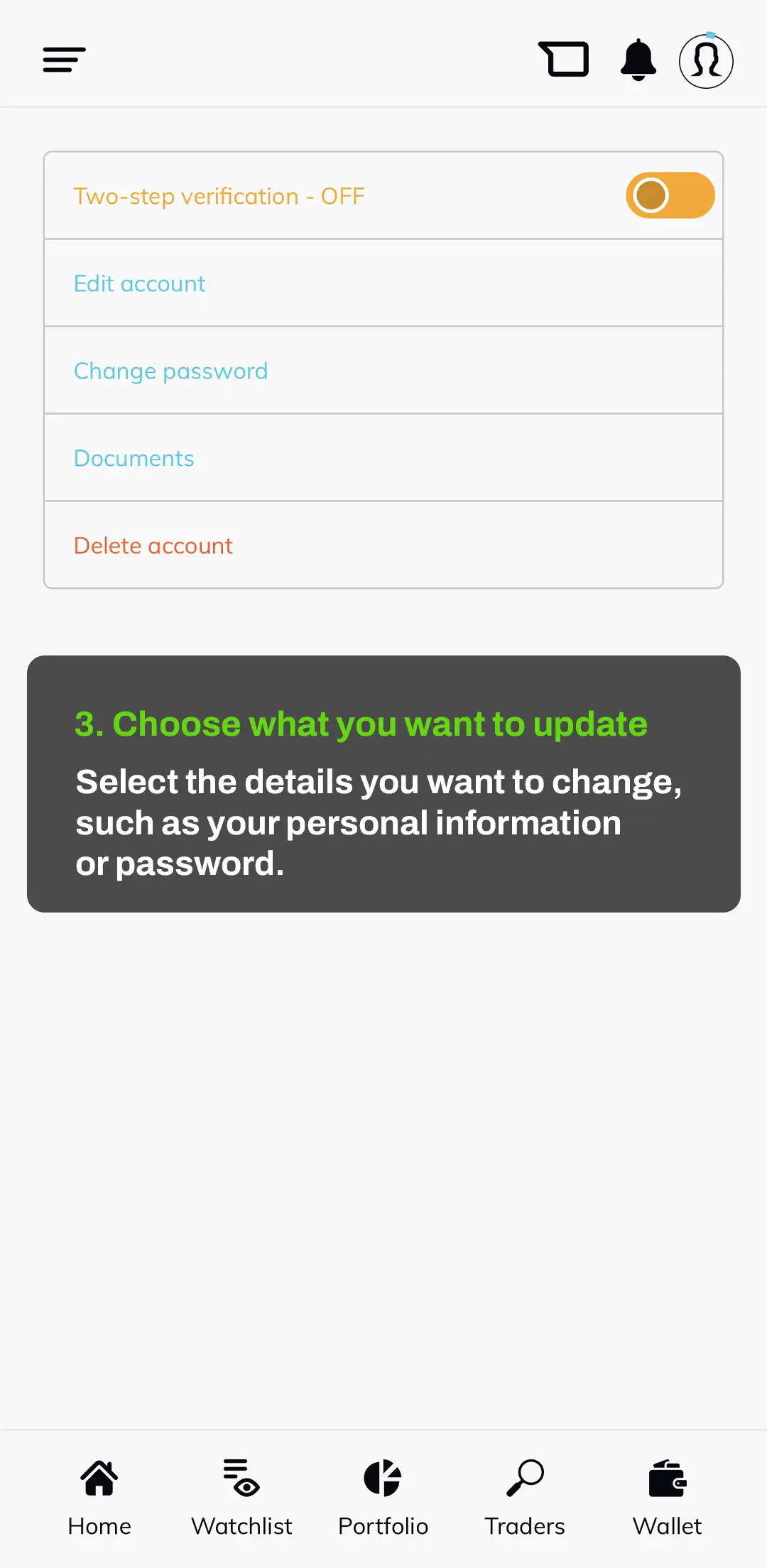
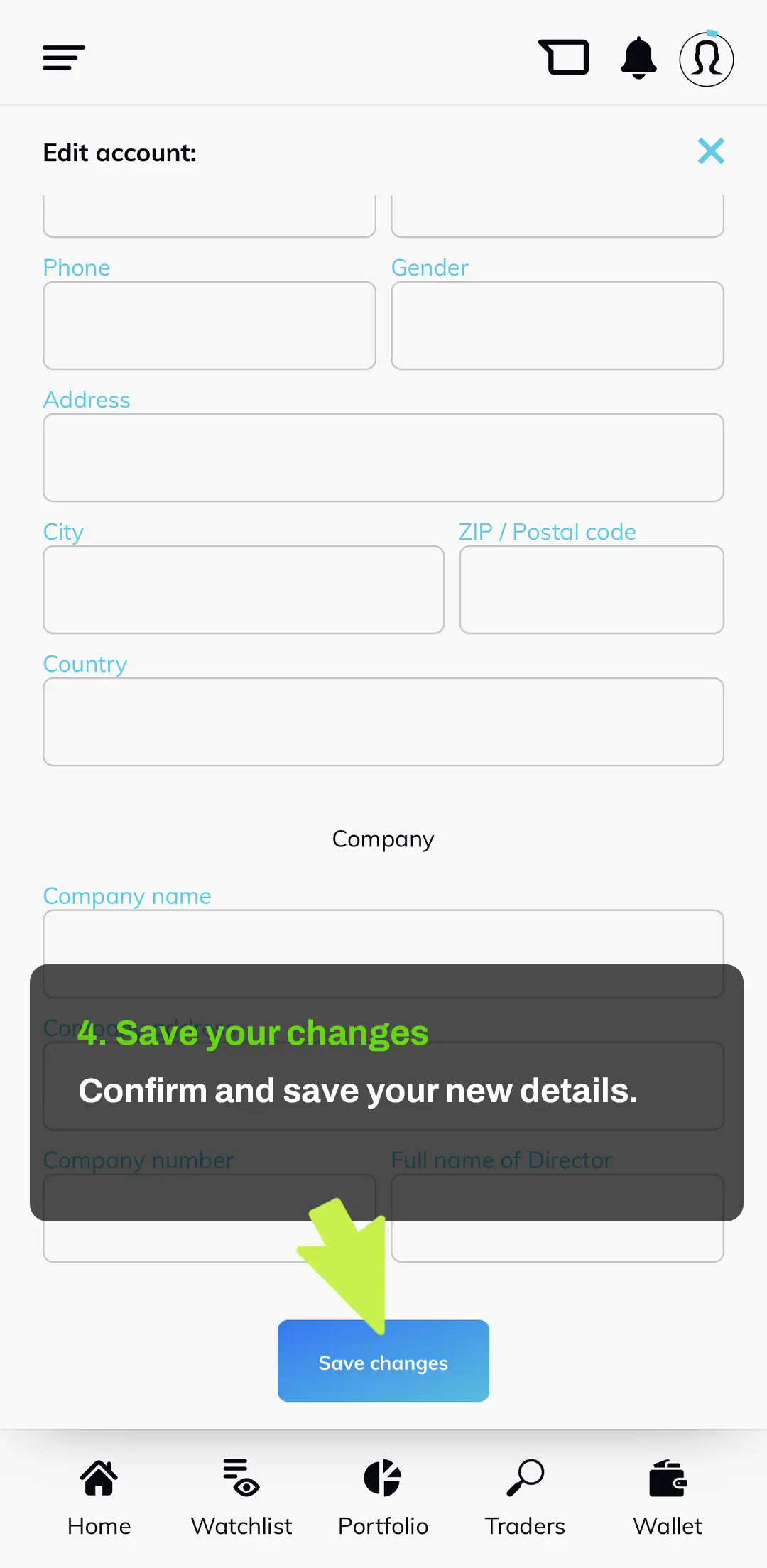
You can manage your Nexa Level X account details directly from your profile area. Log in, open your account settings, make the changes you need and save them securely.
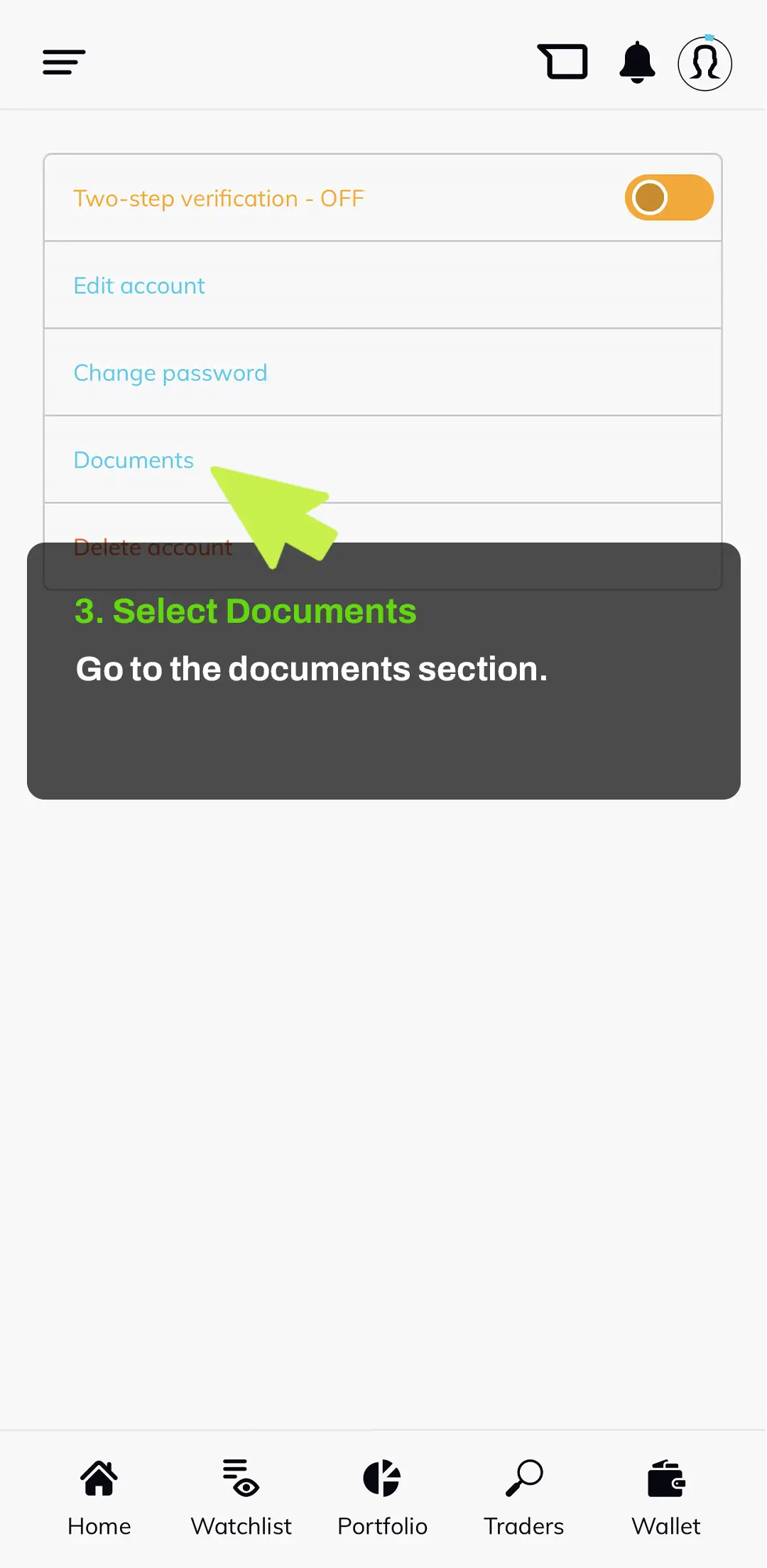
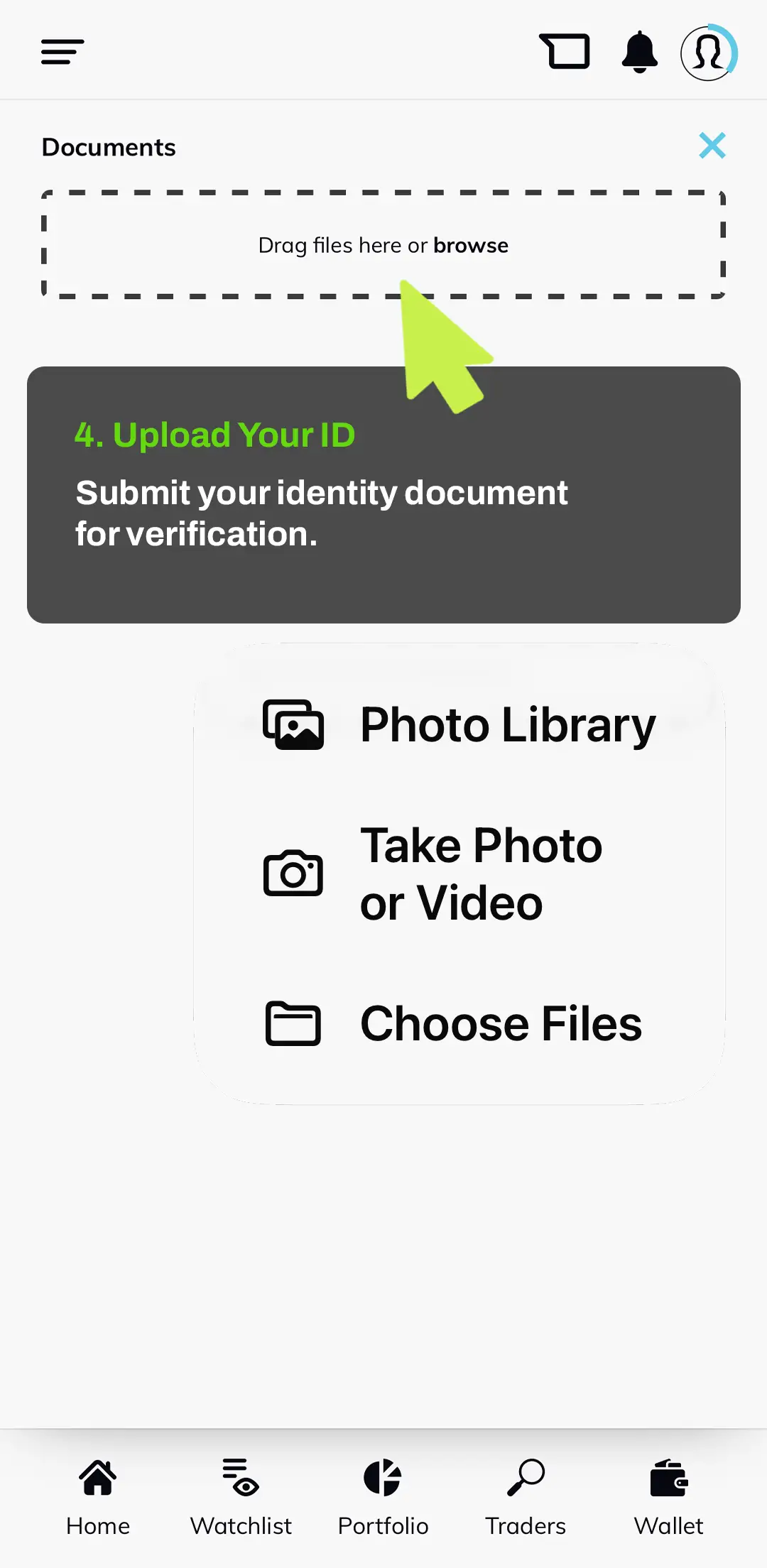
Nexa Level X is built for adults who want to explore markets, trader insights and investing with more responsibility. Before you can start investing through the platform, identity verification may be required. This helps confirm that your account belongs to a real adult user and supports a safer community environment.
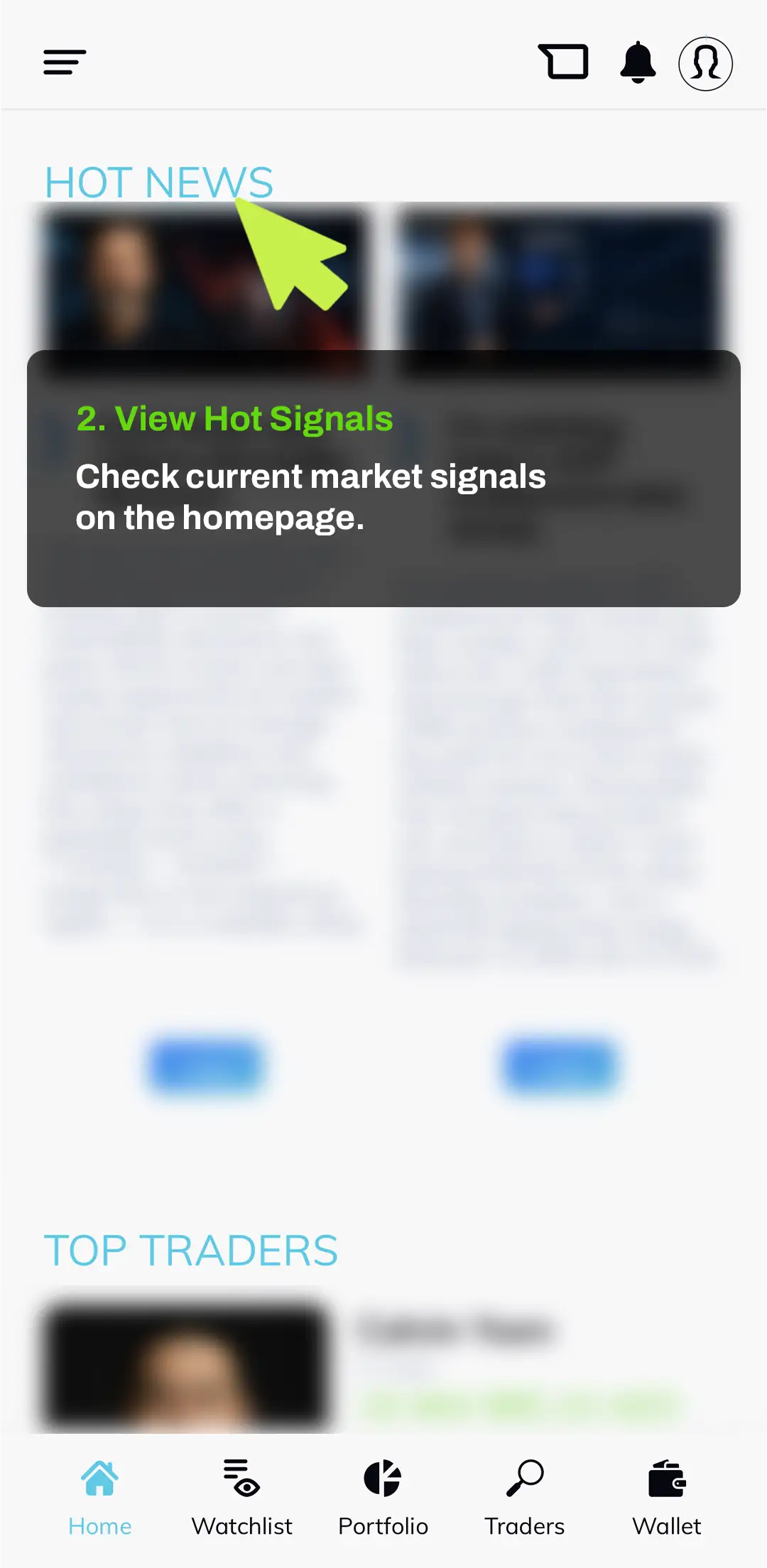
Nexa Level X gives you different ways to explore investment opportunities. You can follow current market signals on the homepage, review trader performance and choose the approach that fits your own goals, risk level and understanding.
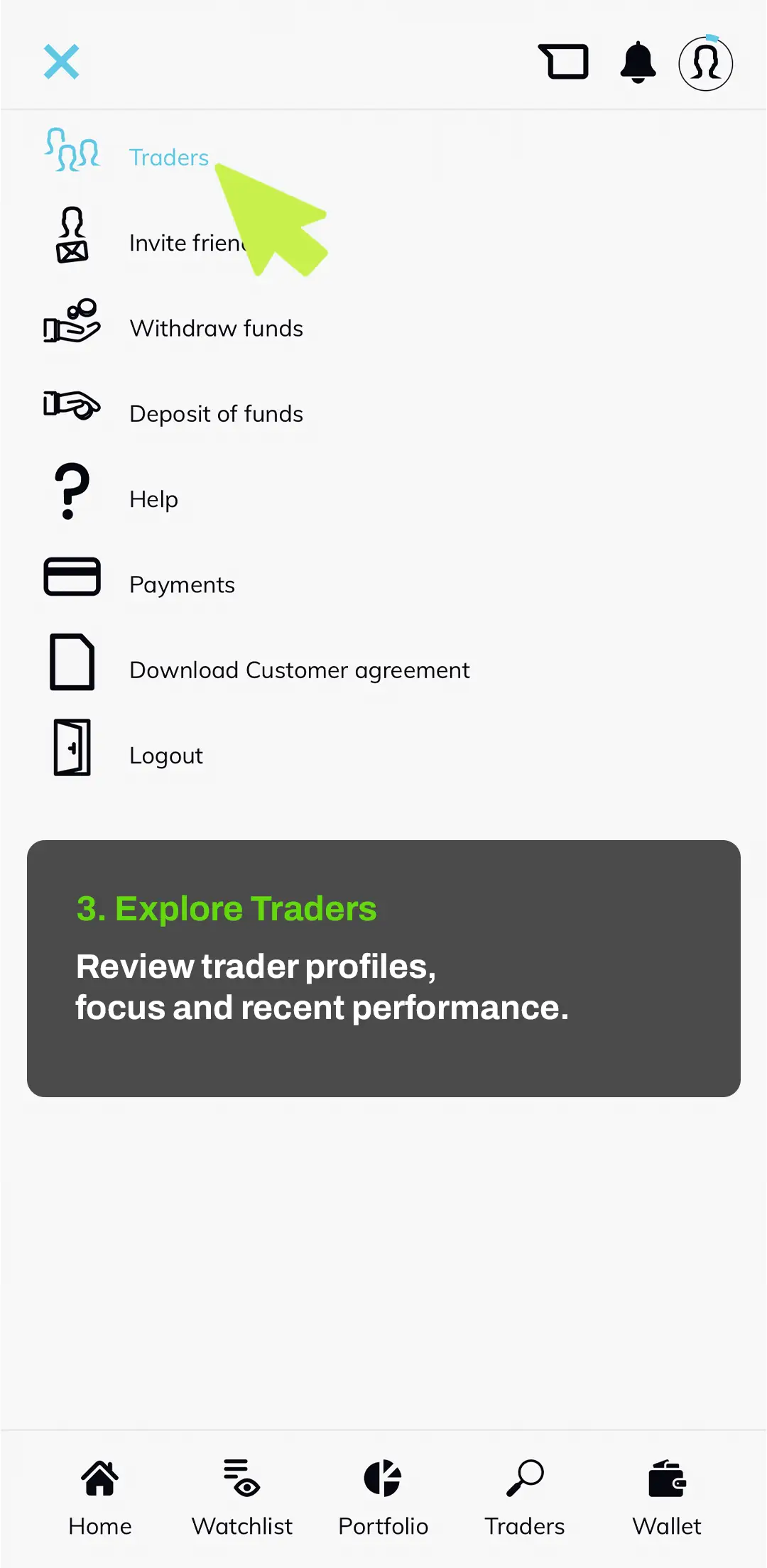
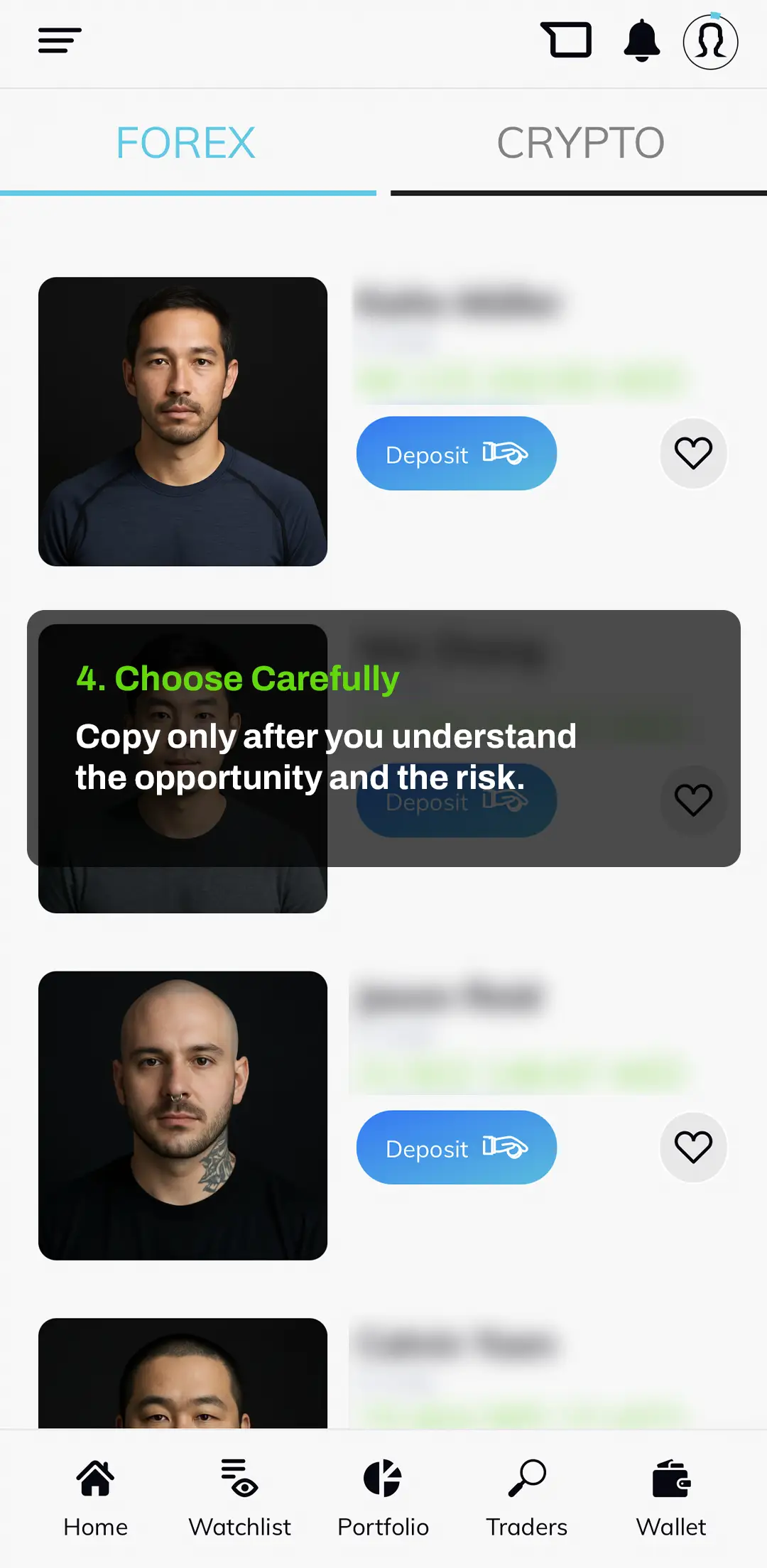
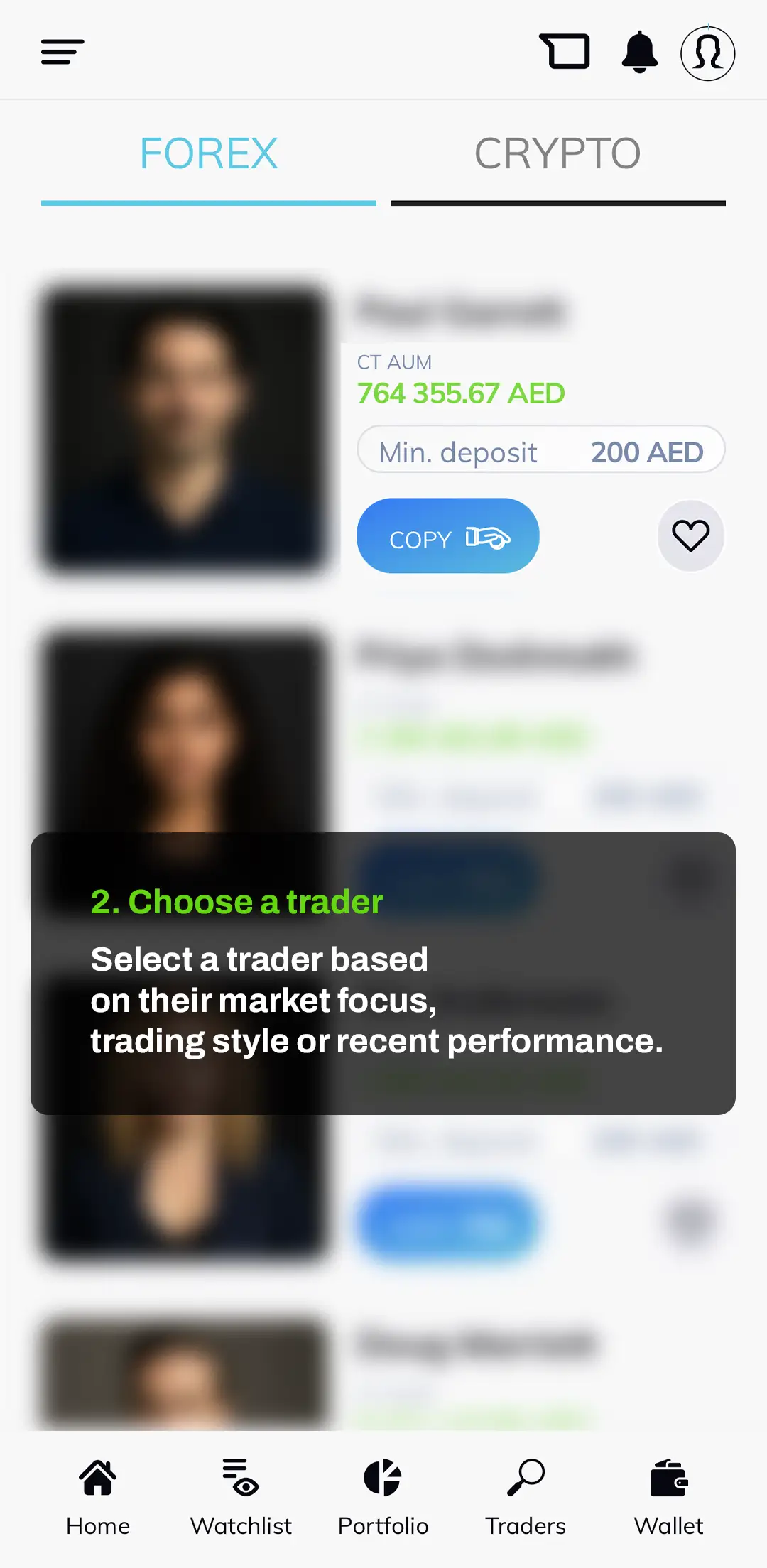
Once your account is active and funded, you can choose a trader to copy based on their market focus, recent performance and minimum deposit requirements. Always review the trader profile carefully before confirming your decision.
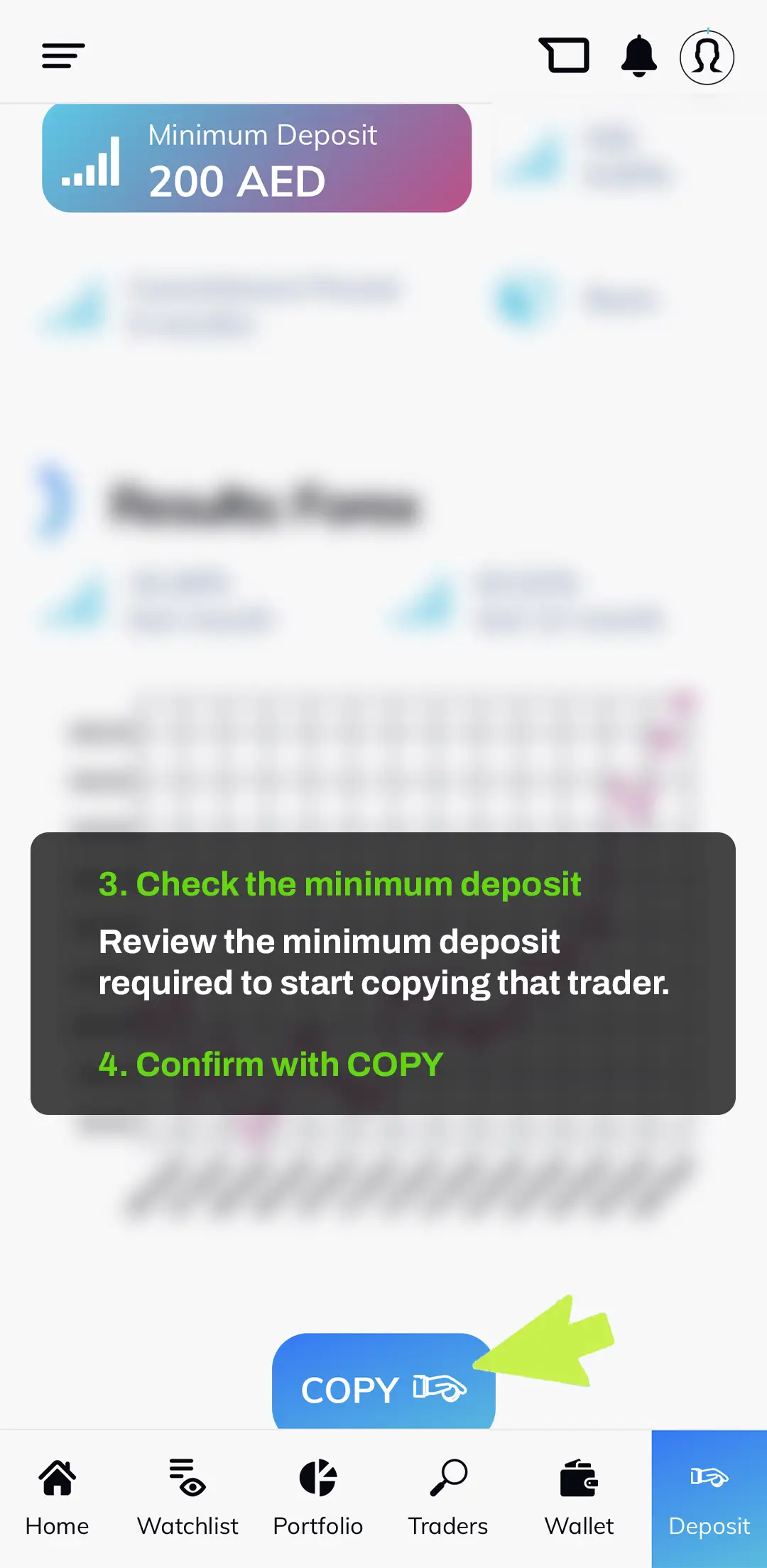
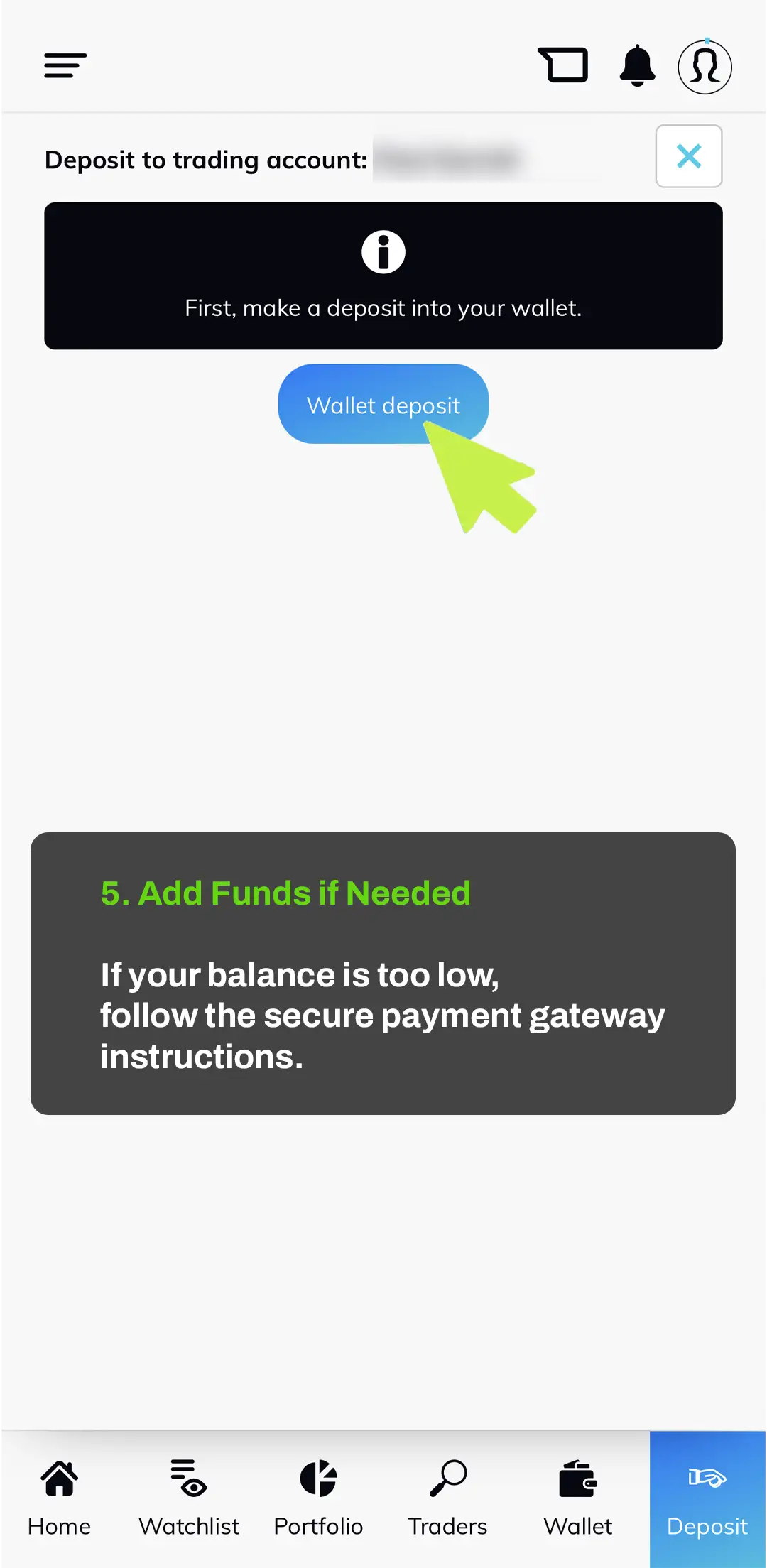
Copying a trader does not guarantee profit. Performance can change, and every investment decision involves risk. Always invest only with money you can afford to risk.
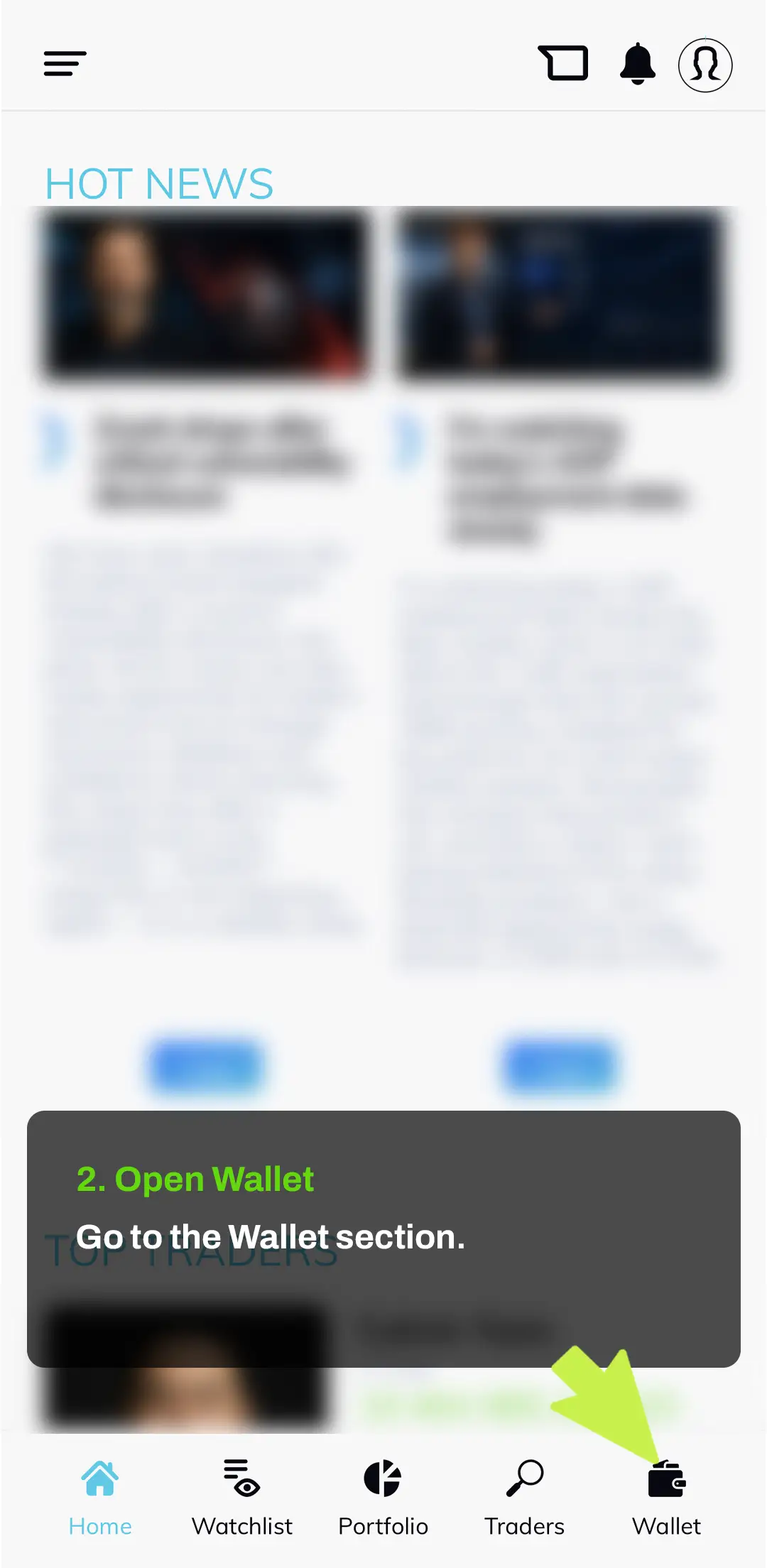
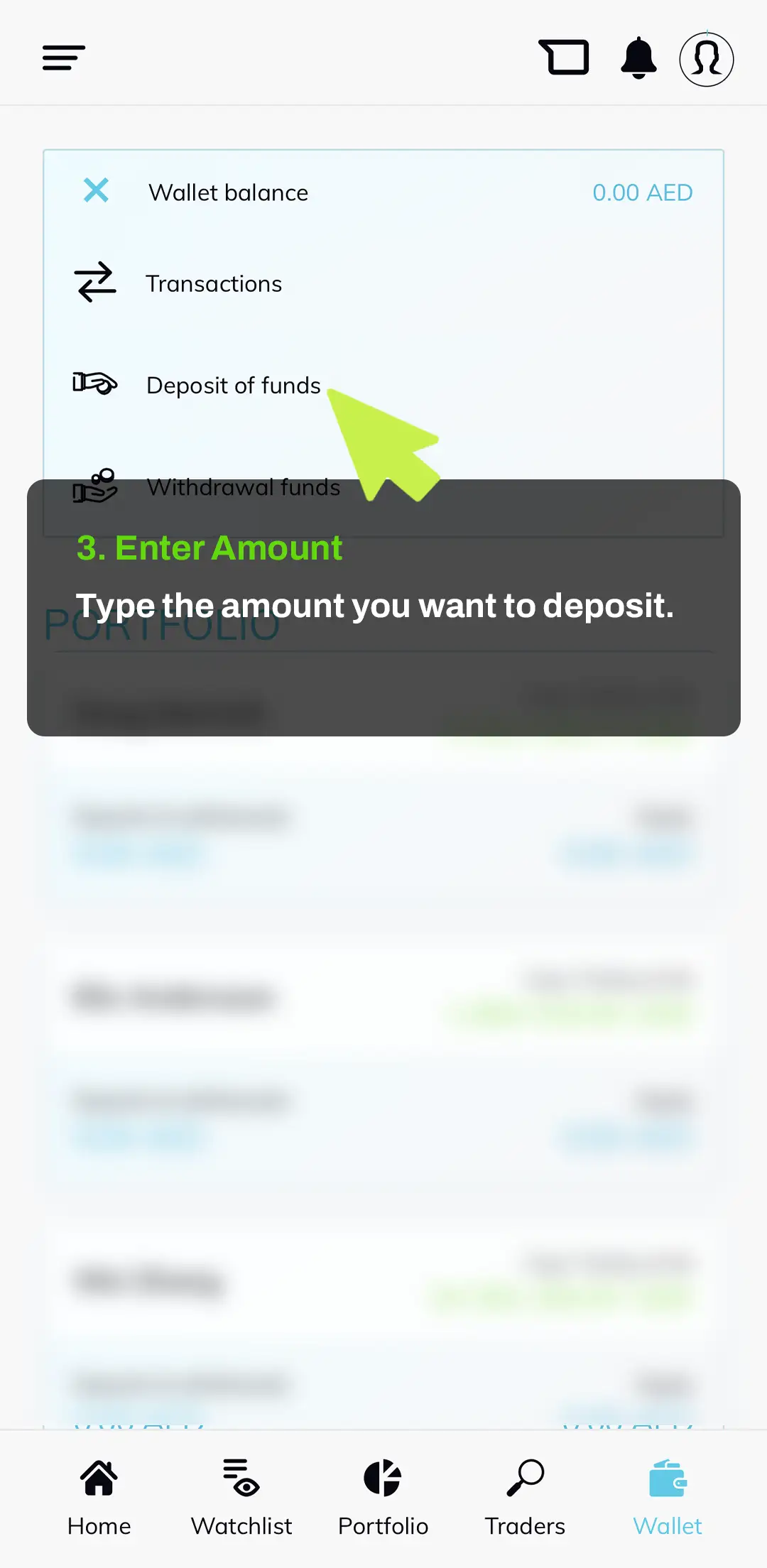
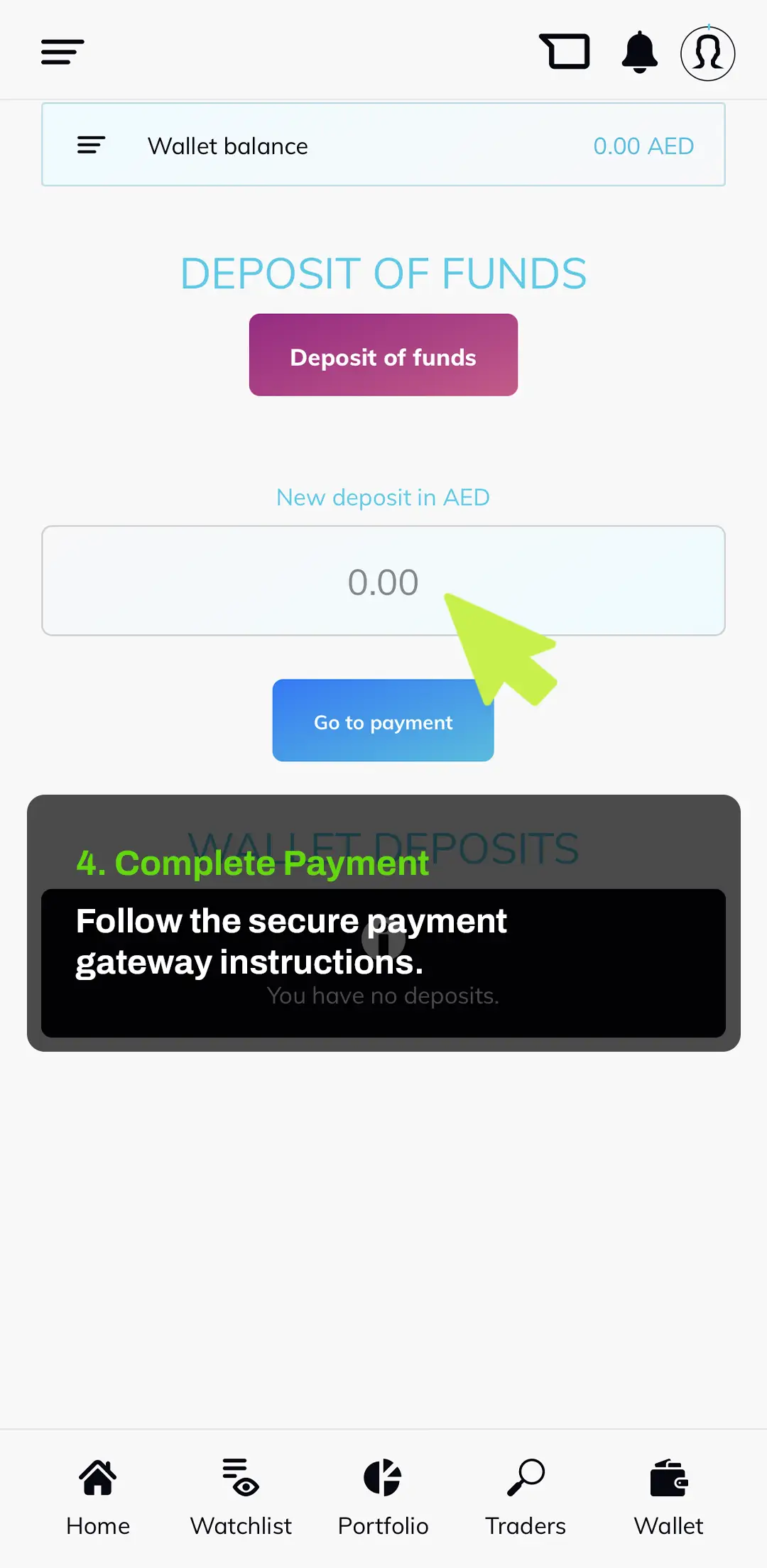
Before you can start investing through Nexa Level X, you need to fund your account wallet. The deposit process is handled through a secure payment gateway, so always check the amount carefully and follow the payment instructions on screen.